

Official APK
Download the Master Game APK
This page is the only official source of the Master Game app. It is not listed on Google Play. Compare the version and SHA-256 below with the file on your phone.
App Information
Every release is signed with the same key and published here first. To check a file, run it through any checksum app and compare the SHA-256 with the value below. If even one character differs, delete it and download again from this page.
| App | Master Game |
|---|---|
| Version | 1.0 (build 272) |
| File size | 59 MB |
| Updated | 14 Aug 2026 |
| Requires | Android 5.0 or newer |
| SHA-256 | 002b478053aef2ff341c03b079f7ac23b724a943bd95292fdc8157ff0c762e8b |
| Publisher | MasterGameFun Entertainment Private Limited |

On a computer?
Scan the code with your Android phone's camera to open this page there and download directly.
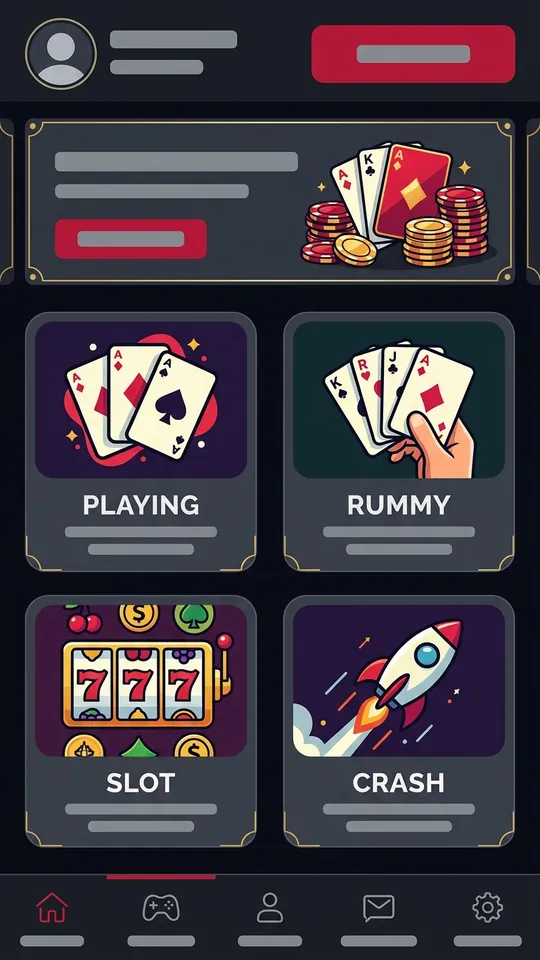
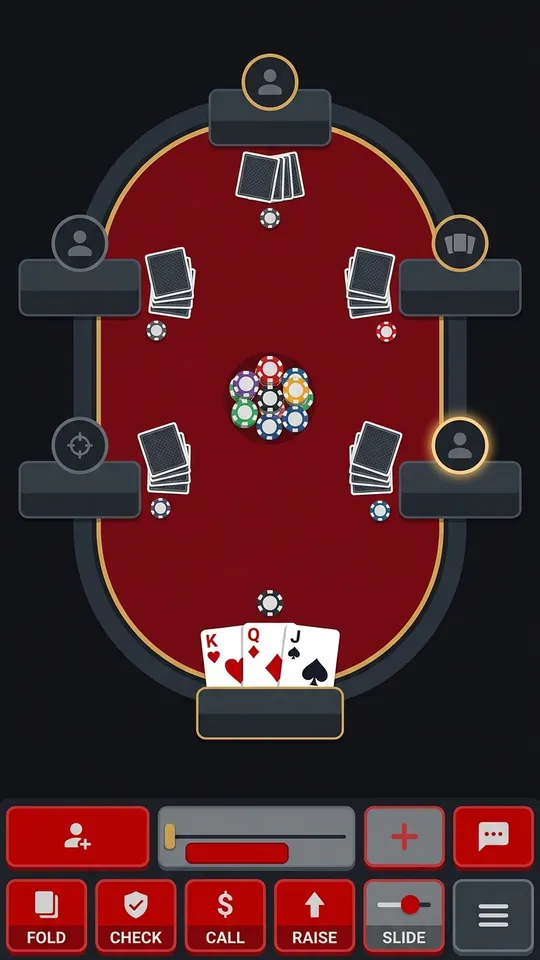
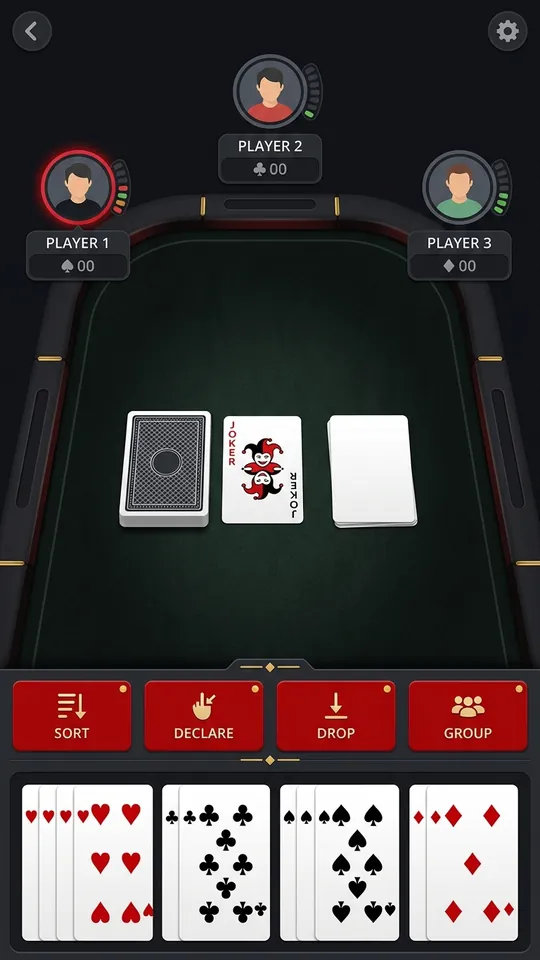
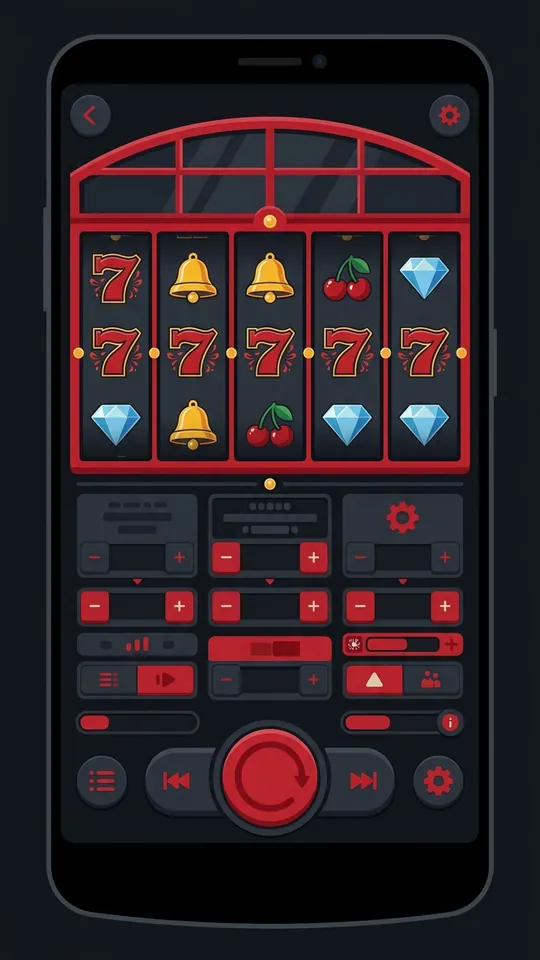
Inside the Master Game App
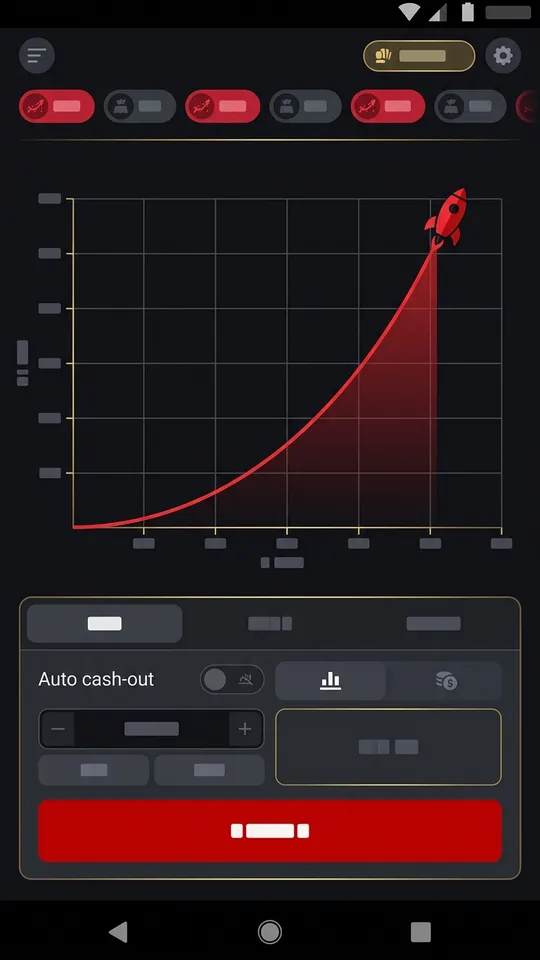
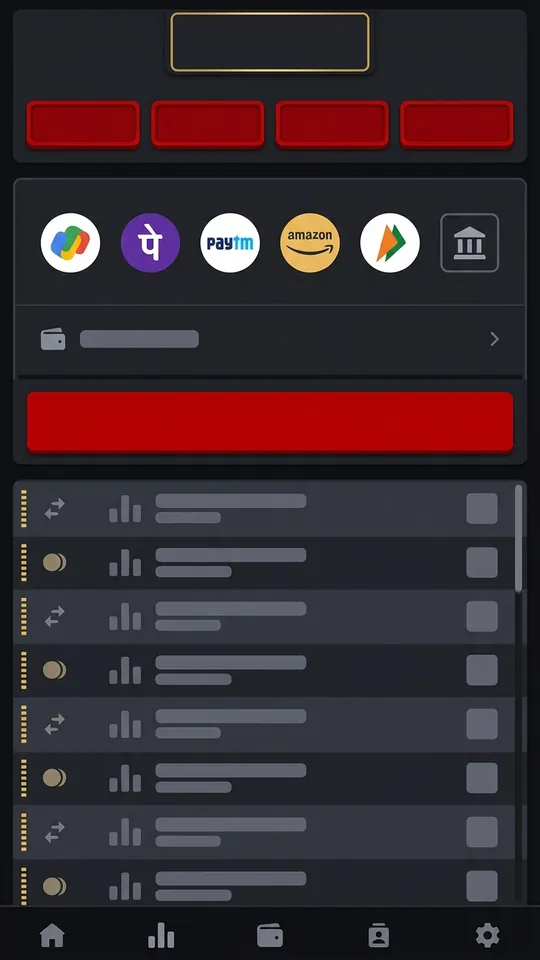
Install Master Game on Android
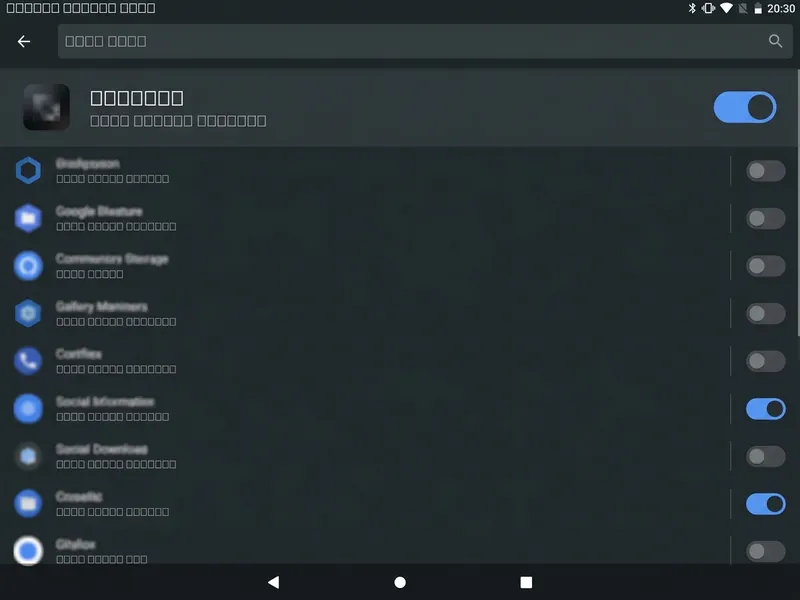
1. Allow your browser to install apps
Open the downloaded file. If Android says installs are blocked, tap Settings and switch on "Allow from this source". You only need to do this once.
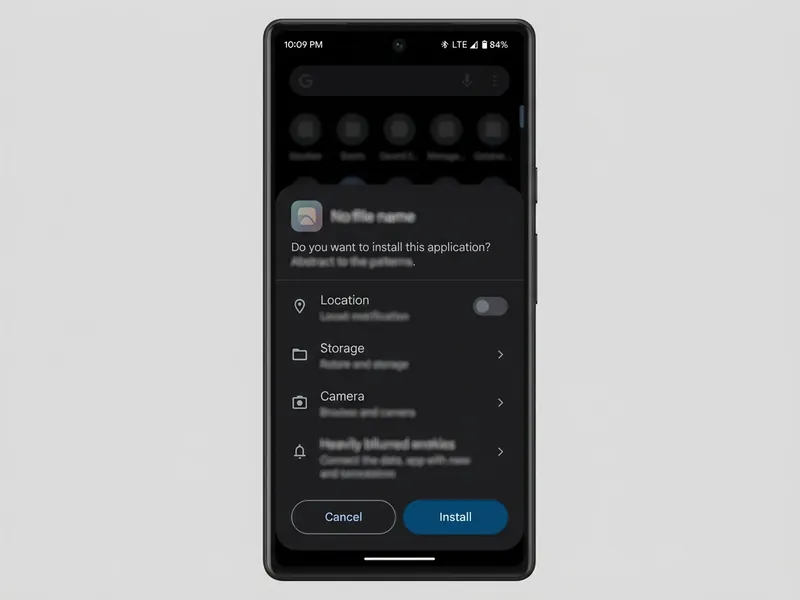
2. Tap Install
Go back and tap Install. If Play Protect warns you, choose More details › Install anyway; it flags every app that is not from Google Play.
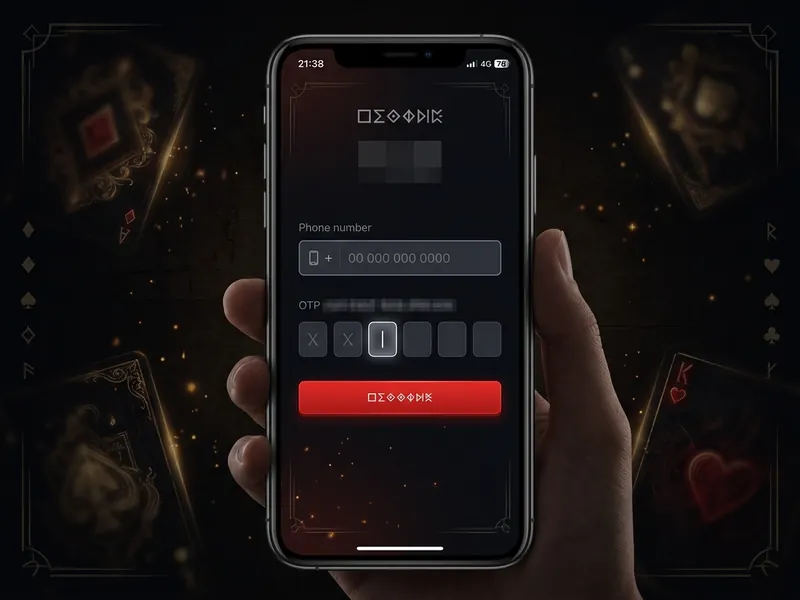
3. Sign in with your number
Open Master Game, enter your mobile number and the OTP from the SMS. New players tap Sign up on the same screen; it takes about a minute.
Before You Install
- Source. Use this page or any Download button on mastergamefun.com. APKs passed around in chat groups or mirror sites can be altered to steal OTPs.
- Storage. Keep at least 250 MB free and make sure the phone runs Android 5.0 or newer.
- Permissions. The app asks for notifications and storage only. A build that wants your contacts, SMS or call log is not ours.
- Updates. Install new versions over the old one. Your account, wallet and history stay on our servers.
What's New
- Version 1.0 (build 272)
Smaller download (59 MB), stability fixes and performance improvements across all four games.
- Version 1.0 (build 13035)
Launch build: Master Teen Patti, Master Rummy, Master Slots and Master Crash in one lobby, UPI wallet, practice chips and private tables.
Install Problems
Android says "App not installed"
An older Master Game build is probably still installed, or storage is nearly full. Remove the old version, clear at least 250 MB and install again. Your account and wallet live on our servers, not on the phone.
Play Protect warns me about the file
Play Protect flags every app installed from outside Google Play. Tap More details › Install anyway only if the file came from mastergamefun.com and its SHA-256 matches the value on this page.
"There was a problem parsing the package"
The download was cut short or the phone runs a version older than Android 5.0. Compare the file size with the one listed above and download again over Wi-Fi.
The download keeps stopping
Switch to Wi-Fi, keep the screen on, or resume from the browser's download list. Never pick up the APK from a WhatsApp forward or a mirror site instead.
Still stuck? Ask the Help Centre.

Ready to take a seat at the master table?
GET STARTED TODAY!
v1.0 · 59 MB · Android 5.0 or newer · Install guide & SHA-256